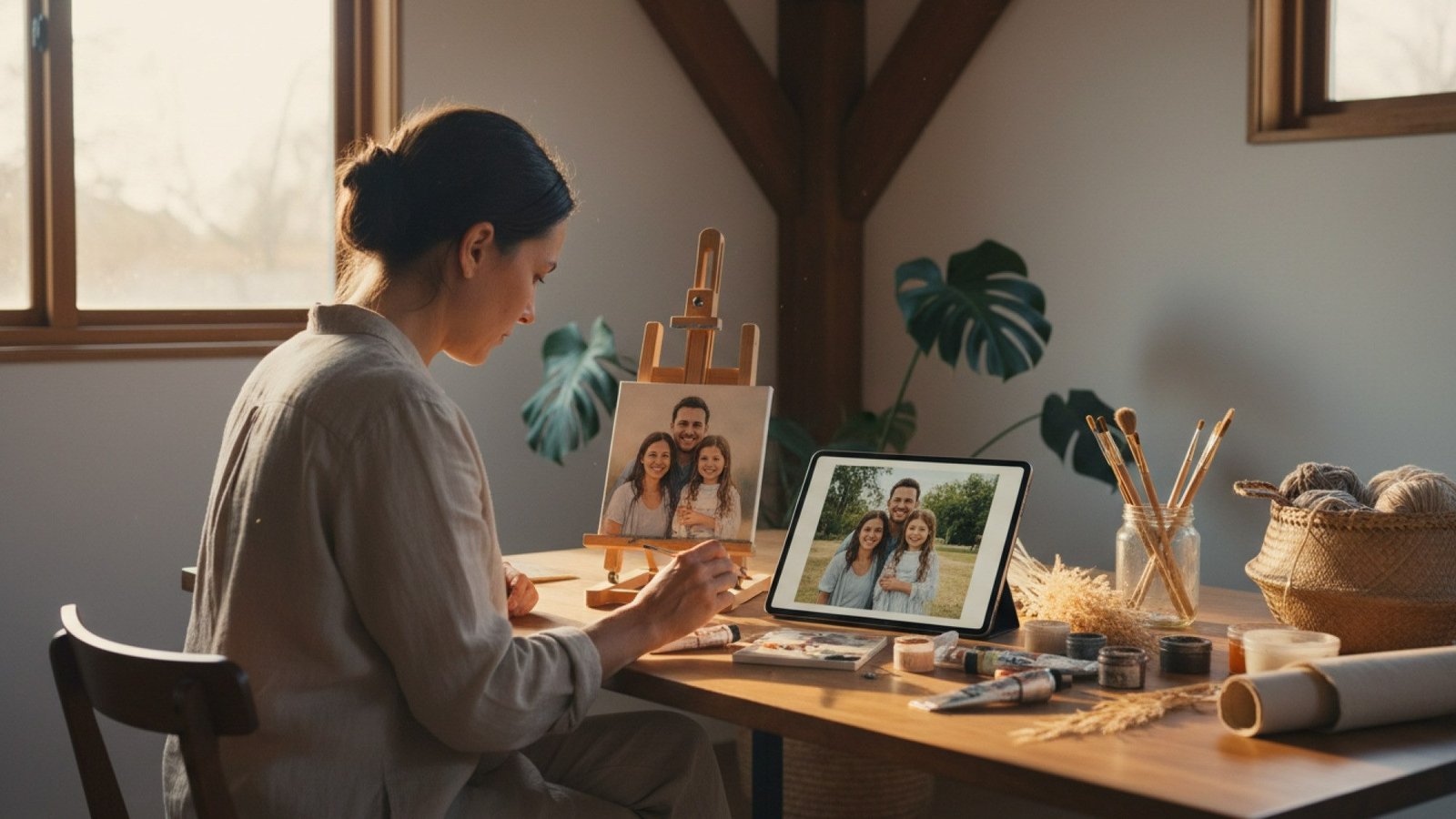
Personal photos are easy to take and just as easy to forget. Digital creative tools can give those images a second life by translating them into practical plans for artwork that is still made by hand.
Digital planning can turn a stored photograph into a hands-on art project.
The result is a useful meeting point between technology and craft. Software handles some of the preparation, while the maker still paints, stitches, engraves, or arranges the physical materials.
Why Personal Photos Stay Hidden
Smartphones have made photography almost effortless. A single holiday, birthday, or afternoon with friends can produce dozens of similar images. Because taking pictures requires so little thought, choosing what to do with them later can feel like a separate and much larger task.
Cloud storage keeps files accessible, but it does not make them visible in everyday life. Printing every image is rarely practical, while organizing albums takes time. As a result, meaningful photographs often remain buried among screenshots, duplicates, and routine snapshots.
How a Photograph Becomes a Project Template

Many meaningful photographs remain stored on phones instead of becoming visible objects.
A digital template tool reorganizes visual information for a particular craft. Depending on the project, it may crop the composition, simplify edges, reduce the color palette, or convert light and dark areas into marks that can be reproduced with physical materials.
- Photo mosaics divide an image into a grid built from smaller pictures, tiles, or colored pieces.
- Digital illustrations simplify a photograph into cleaner shapes, outlines, or blocks of color.
- Personalized embroidery translates important areas into a stitch map that can be followed on fabric.
- Painting by numbers separates the image into defined regions associated with a limited set of colors.
- Engraving templates convert tones and contours into lines or shaded areas suitable for carving.
- Thread-based designs represent an image through the placement and sequence of intersecting lines.
This preparation reduces guesswork. Instead of planning every shape and proportion from scratch, the maker begins with a structure adapted to the chosen technique.
Why a Preview Matters
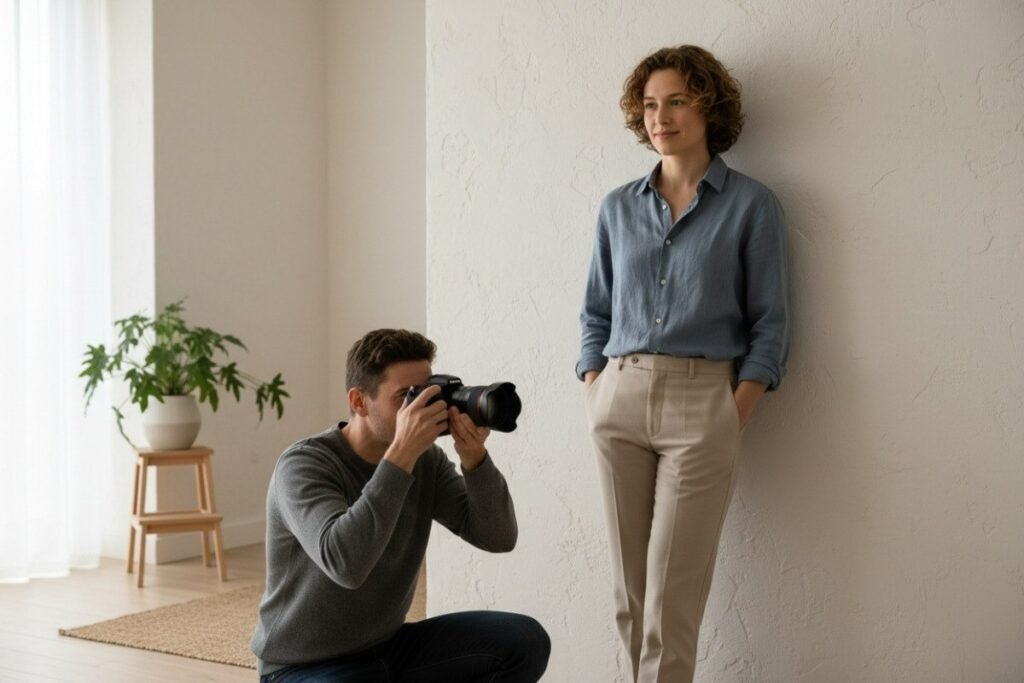
A clear subject, good contrast, and an uncluttered background make a stronger template.
A photograph that looks clear on a phone may not translate well into a simplified craft. Fine hair, a patterned background, or subtle facial shadows can disappear when the image is reduced to fewer colors, stitches, engraved lines, or strands of thread.
A preview reveals those limitations before materials are used. It allows the maker to compare crops, try another photograph, or select a composition with stronger contrast. It is a planning aid rather than an exact copy of the finished object, because materials and hand technique still affect the result.
Where the Digital Plan Ends and Craft Begins
Thread portraits illustrate the distinction clearly. Thread is stretched between arranged nails, and the overlapping lines gradually create enough light, shadow, and contour to form a recognizable image.
One example of this digital-to-physical method is string art from Spatar, where a user can upload a personal photograph, review a preview, and follow an individual winding guide while creating the final portrait by hand.
The guide prepares the route, but it does not perform the physical work. The maker must place or use the materials, follow the sequence, maintain appropriate tension, and correct small mistakes. The same distinction applies to painting, embroidery, engraving, and mosaics: software can organize the design, but the person creates the object.
Why Technology and Traditional Craft Work Together
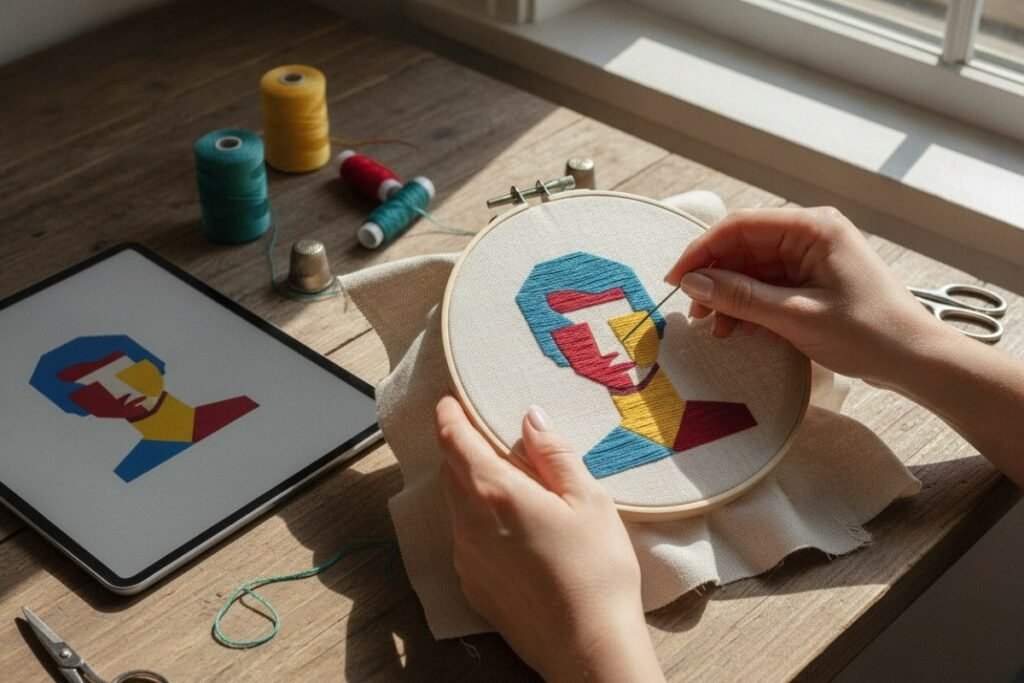
A digital preview helps the maker understand how a photograph will translate into physical materials.
Planning can be one of the most intimidating parts of a personalized project. Digital tools lower that barrier without removing the tactile experience. Repeated brushstrokes, careful stitches, engraved marks, or wound strands still require patience and attention. Technology makes personalization more approachable, while the manual process gives the finished piece its physical character.
How to Choose a Suitable Photograph
The source image strongly influences the clarity of the final design. Before generating a template, check four basic qualities:
- Choose a clear subject. One main person, pet, or object should occupy a meaningful part of the frame.
- Look for good contrast. The subject should be visually distinct from the background, especially around the face and hair.
- Prefer a simple background. Clutter can introduce unnecessary shapes and compete with the feature that matters most.
- Check facial features. For portraits, the eyes, nose, mouth, and outline of the face should remain recognizable at a smaller size.
It also helps to test a tighter crop. Removing empty space can make the subject larger and preserve more useful detail in the template.
Turning the Finished Piece into Décor or a Gift
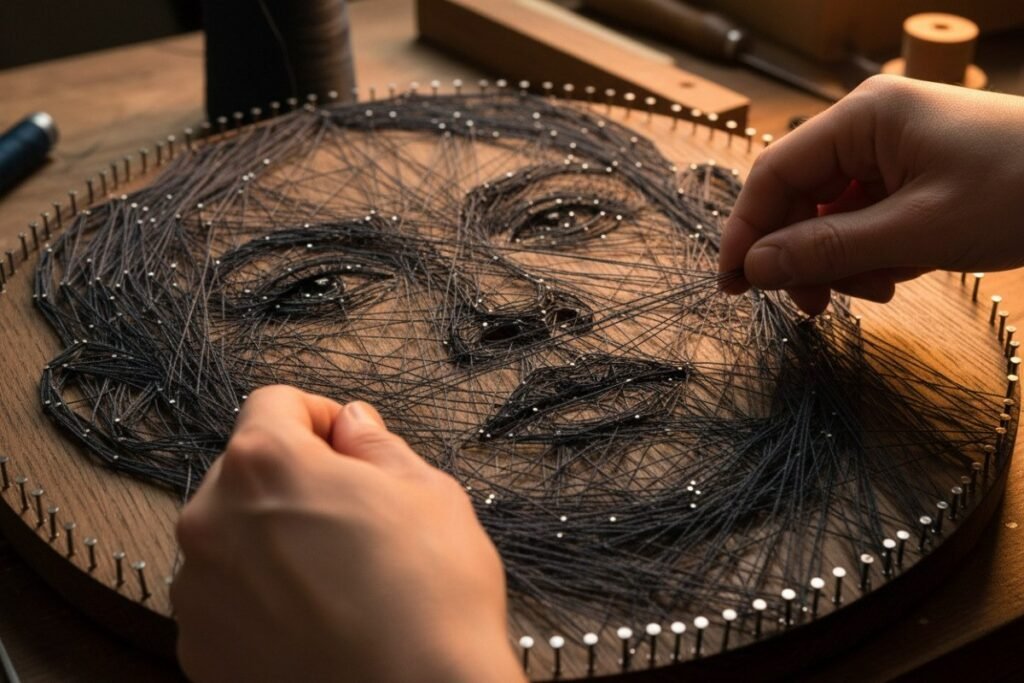
Overlapping strands gradually create the light, shadow, and contours of a thread portrait.
Personalized artwork can connect a room to a specific memory rather than serving as decoration alone. A portrait might be framed for a hallway, displayed on a shelf, kept in an embroidery hoop, or incorporated into a small gallery wall.
The same personal connection makes handmade photo projects suitable as gifts. A carefully chosen family photograph, pet portrait, or shared travel memory can become an object that reflects both the image and the time spent making it.
Technology as a Planning Partner
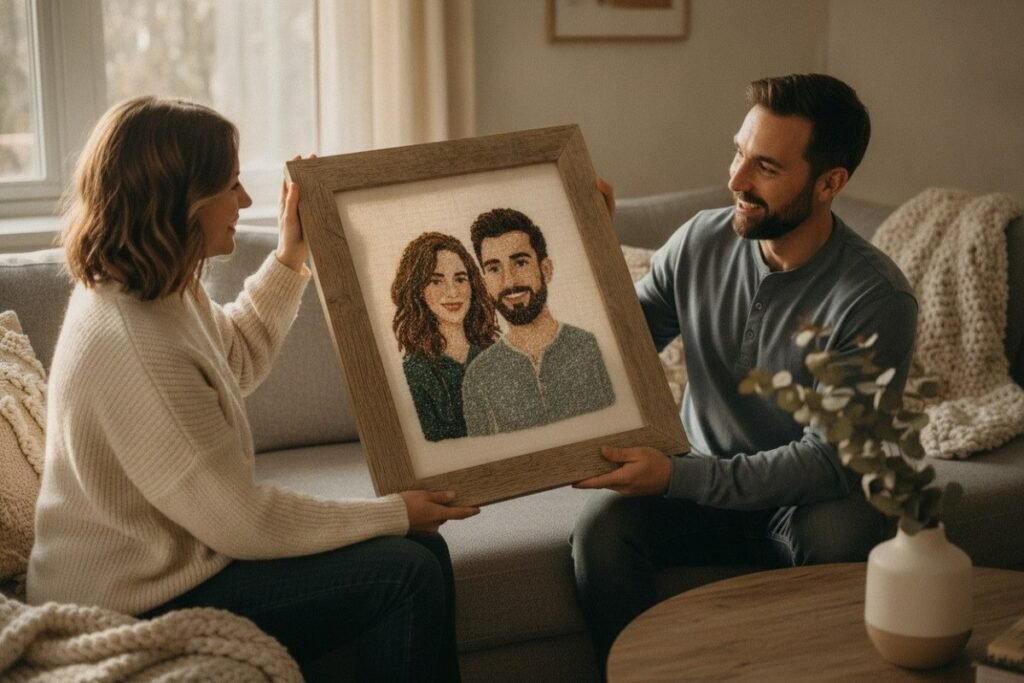
Finished photo-based artwork can become meaningful home décor or a personal gift.
Digital tools do not have to replace manual creativity. Their most useful role is to simplify selection, planning, and personalization. The preview and instructions can provide a clear route, but the decisions, materials, and physical creation remain in the hands of the maker.
Frequently Asked Questions
Can any photograph become a craft template?
Many can, but clear subjects and strong contrast usually produce more readable designs.
Do I need advanced photo-editing skills?
Not necessarily. Template-based workflows can handle much of the initial conversion and simplification.
Why is a simple background important?
It reduces distracting shapes and helps the main subject remain recognizable.
Will the final artwork exactly match the preview?
No. Materials, scale, color choices, and hand technique can all influence the finished appearance.
Which type of personalized artwork makes the best gift?
Choose a format that suits the recipient’s space, taste, and connection to the photograph.