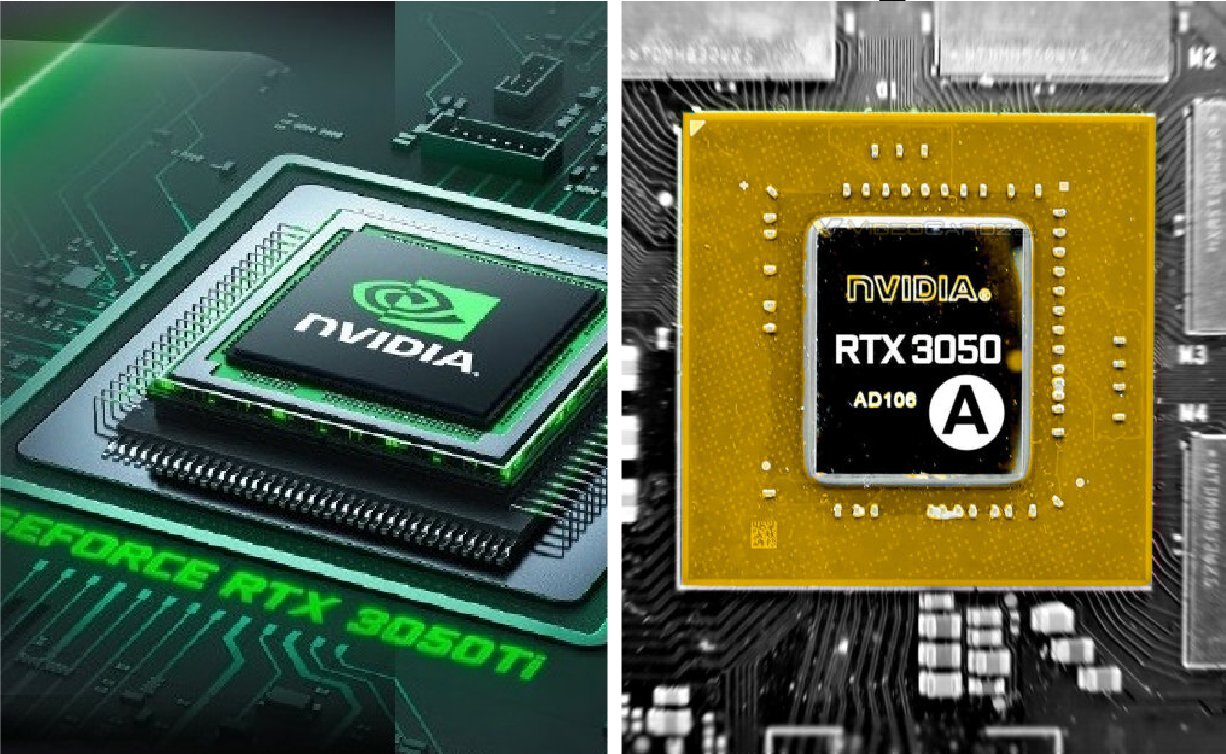
The RTX 3050 Ti is a popular mid-range graphics card made by NVIDIA for gamers and creators who want strong performance at a fair price. It is built on the Ampere architecture, the same technology used in higher models like the RTX 3060 and RTX 3070. This GPU supports modern features such as Ray Tracing, DLSS, and high refresh rate gaming. In this detailed guide, you will learn about its full specifications, gaming speed, real-world performance, power use, and who should buy it.
Quick Bio Table
| Specification | Details |
| GPU Name | RTX 3050 Ti |
| Manufacturer | NVIDIA |
| Architecture | Ampere |
| CUDA Cores | 2560 |
| VRAM | 4GB GDDR6 |
| Memory Bus | 128-bit |
| Ray Tracing | Yes |
| DLSS Support | Yes |
| DirectX | 12 Ultimate |
| Power Range | 35W–80W |
| Best Resolution | 1080p |
| Release Year | 2021 |
What Is the RTX 3050 Ti?
The RTX 3050 Ti is a graphics processing unit (GPU) from NVIDIA GeForce RTX 30 Series. It was launched mainly for gaming laptops in 2021, though a desktop version of the RTX 3050 also exists. The Ti version offers slightly better performance than the standard RTX 3050 laptop GPU.
It is designed for 1080p gaming, content creation, and light productivity work. Many budget and mid-range gaming laptops use this GPU because it gives good performance without very high cost. It balances power, heat, and speed well.
Architecture and Technology
The RTX 3050 Ti uses Ampere architecture, which improves performance and power efficiency compared to the older Turing architecture used in the RTX 20 series. Ampere brings better CUDA cores, improved RT cores, and stronger Tensor cores.
CUDA cores handle most graphics tasks. RT cores manage ray tracing. Tensor cores help with AI tasks like DLSS. These technologies together allow smoother gameplay, better lighting effects, and improved image quality without a big drop in performance.
Full Technical Specifications
Here are the main specifications of the RTX 3050 Ti (laptop version):
- Architecture: Ampere
- CUDA Cores: 2560
- Boost Clock: Up to 1485 MHz (varies by laptop)
- Memory: 4GB GDDR6
- Memory Bus: 128-bit
- Memory Speed: 12 Gbps
- TGP (Total Graphics Power): 35W to 80W (depends on laptop model)
- Ray Tracing Cores: Yes
- Tensor Cores: Yes
- DirectX Support: DirectX 12 Ultimate
Because this is a laptop GPU, performance depends on the laptop’s cooling system and power limit.
Keep Exploring: Lamiswisfap: Everything You Need to Know About This Mysterious Term
Performance in 1080p Gaming
The RTX 3050 Ti performs best in Full HD (1920×1080) resolution. Most modern games run smoothly at medium to high settings. Popular titles like Fortnite, Apex Legends, Valorant, and Call of Duty: Warzone can reach 60 to 120 FPS depending on settings.
In heavy AAA games like Cyberpunk 2077 or Red Dead Redemption 2, you may need medium settings to get stable 60 FPS. DLSS can help improve frame rates without losing much image quality.
Ray Tracing Performance
Ray tracing is one of the key features of the RTX 3050 Ti. It makes lighting, shadows, and reflections look more realistic. However, since this is an entry-level RTX GPU, ray tracing performance is limited.
You can enable ray tracing in some games, but you may need to lower settings. Using DLSS (Deep Learning Super Sampling) is important when ray tracing is active. DLSS uses AI to increase FPS while keeping good image quality.
DLSS and AI Features
DLSS is powered by Tensor cores. It renders the game at lower resolution and then uses AI to upscale it to higher resolution. This gives more FPS with little visual loss.
The RTX 3050 Ti supports DLSS 2.x in many modern games. This makes it much stronger than older GTX cards like the GTX 1660 Ti, which do not support DLSS or ray tracing.
Comparison With GTX 1660 Ti
Many gamers compare the RTX 3050 Ti with the older GTX 1660 Ti. The GTX card has more raw power in some cases, but it does not support ray tracing or DLSS.
In modern games that support DLSS, the RTX GPU performs better overall. Also, it supports newer technologies like Resizable BAR and better driver updates from NVIDIA.
RTX 3050 Ti vs RTX 3060
The RTX 3060 is more powerful. It has more CUDA cores, more VRAM (usually 6GB), and better ray tracing performance.
If your budget allows, RTX 3060 is better for high settings and future games. However, the RTX 3050 Ti is more affordable and still good for 1080p gaming.
VRAM Limitation
One important limit of the RTX 3050 Ti is its 4GB GDDR6 VRAM. Modern games sometimes need more than 4GB at high settings. This can cause lower FPS or stuttering in heavy games.
For esports games and lighter titles, 4GB is enough. But for future AAA games, this may be a limitation.
Power Consumption and Heat
The RTX 3050 Ti laptop version has a power range between 35W and 80W. Higher wattage versions perform better but create more heat.
Cooling design in laptops is very important. A well-cooled system can give much better performance than a thin laptop with lower power limits.
Use Cases for Gamers
The RTX 3050 Ti is best for:
- 1080p gaming
- Esports titles
- Casual AAA gaming
- Streaming at entry level
- Student gaming laptops
- Light content creation
It is not ideal for 1440p or 4K gaming.
Content Creation Performance
For video editing in Adobe Premiere Pro or photo editing in Adobe Photoshop, the GPU works well for basic and mid-level projects.
It supports CUDA acceleration, which speeds up rendering and export times. However, heavy 4K video editing may require more VRAM.
Streaming and Recording
With NVIDIA NVENC encoder, the RTX 3050 Ti allows smooth game streaming with low CPU usage. You can stream on Twitch or YouTube at 1080p.
This makes it a good option for beginner streamers.
Driver Support and Updates
NVIDIA provides regular Game Ready Drivers. These drivers improve performance and fix bugs in new games.
The RTX series also supports NVIDIA Studio Drivers, which help creators and designers.
Laptop Variants and Brands
Many brands use the RTX 3050 Ti, including:
- ASUS TUF Gaming
- Acer Nitro 5
- HP Pavilion Gaming
- Lenovo Legion
- MSI GF Series
Performance can change based on cooling, RAM, and CPU.
More Guide: Is vallpo523.zvc5.0o Good for Skin? An Expert Deep Dive Explained Simply
CPU Pairing Importance
To get the best from the RTX 3050 Ti, you need a good CPU like:
- Intel Core i5 11th/12th Gen
- AMD Ryzen 5 5600H
- AMD Ryzen 7 5800H
A weak CPU can reduce gaming performance.
Future Proofing
The RTX 3050 Ti is good for present 1080p gaming. But due to 4GB VRAM, it may struggle in future AAA games at high settings.
For long-term use, lowering texture settings will help.
Frequently Asked Questions (FAQs)
1. Is RTX 3050 Ti good for gaming?
Yes, it is good for 1080p gaming at medium to high settings.
2. Can RTX 3050 Ti run AAA games?
Yes, but mostly at medium settings for stable FPS.
3. Does RTX 3050 Ti support ray tracing?
Yes, but performance is limited compared to higher RTX models.
4. Is 4GB VRAM enough?
For esports and light games yes, but heavy modern games may need more.
5. Is RTX 3050 Ti better than GTX 1660 Ti?
It supports newer features like DLSS and ray tracing, which gives it an advantage in modern games.